How Does Accounts Receivable Software Help Businesses?


Composed by Taxara on
16/11/2026
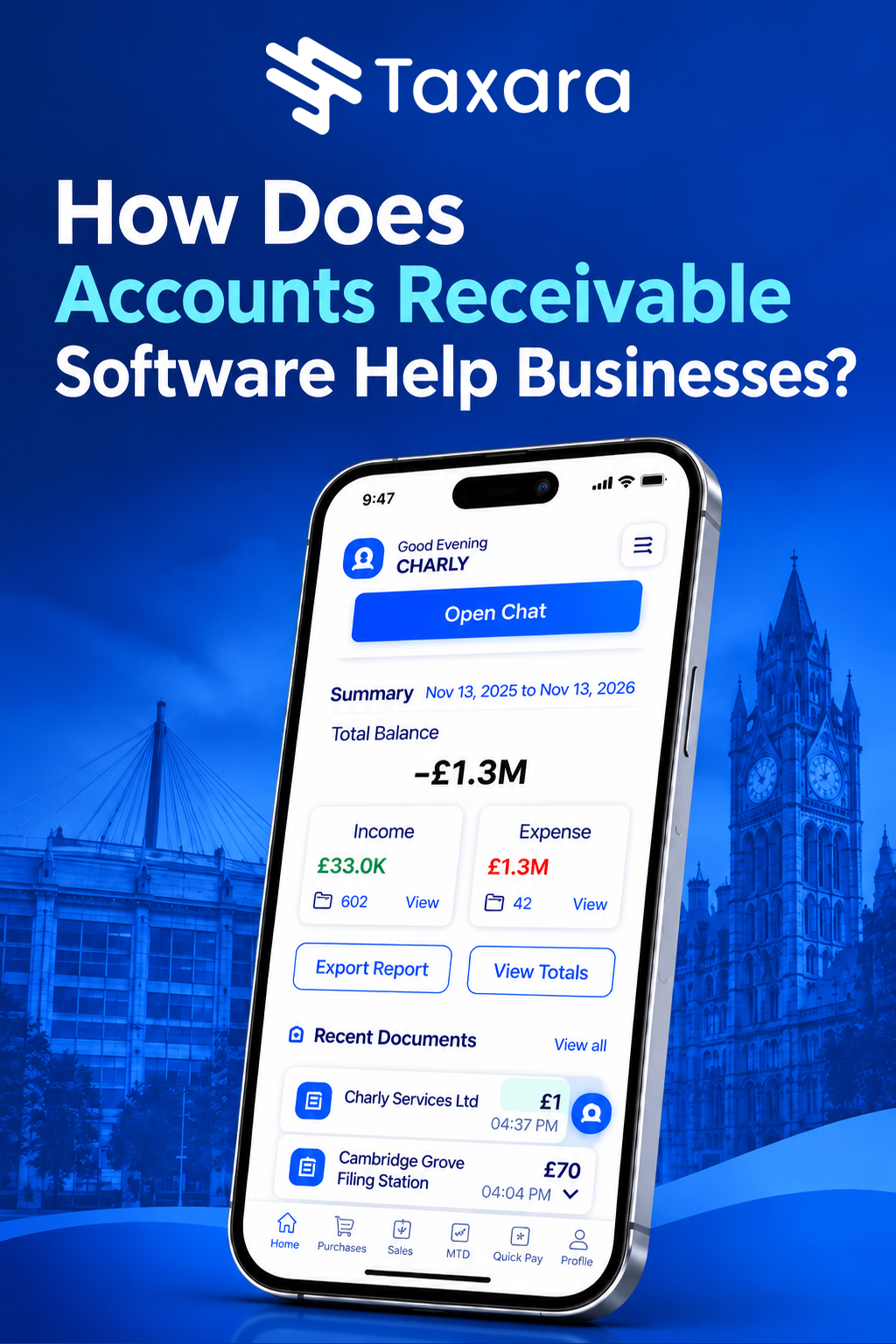
Accounts receivable software helps businesses get paid faster by automating the whole invoice-to-cash process. It creates and sends invoices, adds payment links, matches incoming payments to the right invoice, sends reminders before and after the due date and shows exactly who owes what through ageing reports. The result is fewer late payments, less manual chasing, a lower days sales outstanding (DSO), cleaner books and a clearer picture of future cash flow.
A business can have strong sales and still run short of cash if customers take too long to pay. This guide explains what accounts receivable is, how receivables software works step by step, the 12 main ways it helps, the features to look for, the UK rules that matter, such as late payment law, VAT and Making Tax Digital, and how to choose the right tool.
What Is Accounts Receivable?
Accounts receivable (AR) is the money customers owe your business for goods or services you have already delivered but not yet been paid for. It appears as an asset on your balance sheet, and it arises whenever you sell on credit. Under accrual accounting, income is recorded when it is earned rather than when the money arrives, which is exactly what creates a receivable.
For example, if you issue a £5,000 invoice with 30-day payment terms, that £5,000 is an account receivable until the customer pays. Your finance team needs to know who owes the money, how much, when it is due, how long it has been outstanding, whether a partial payment has been made and what each customer's total balance is.
Accounts receivable vs accounts payable
Accounts receivable is money owed to you by customers, while accounts payable (AP) is money you owe to suppliers. They are two sides of the same cash flow picture. A business with plenty of receivables can still face a cash gap if customers pay after 60 days while suppliers expect payment within 30. That is why finance teams need visibility of both, and why accounting software usually handles them together.
What Is Accounts Receivable Software?
Accounts receivable software is a tool that helps you invoice customers and collect the money they owe. It tracks what each customer owes, sends invoices, records payments as they arrive and automates the repetitive steps in between. You may also hear it called accounts receivable management software, AR automation software or accounts receivable collections software. They all describe the same idea: one place to manage the full order-to-cash cycle, from sending a bill to getting paid. Receivables tools are one of several kinds of accounting software, and our guide to what accounting software is and how many types there are explains the others.
It can be a feature inside a wider cloud accounting platform, such as the accounting software for small business UK owners choose, or a specialist add-on that connects to your accounting software, CRM or ERP system through an application programming interface (API). Most small businesses begin with spreadsheets and manual reminders, but as invoice volumes grow that approach becomes slow and error-prone, and that is when AR software pays for itself.
How Does Accounts Receivable Software Work?
At its core, the software follows your money from invoice to bank deposit, automating each step and keeping a clear record of every transaction. The typical flow connects the customer, quote or sales order, invoice, receivable, payment and ledger entry into one continuous record.
1. It creates and sends invoices
You create an invoice once, or the software generates it from data in your sales, order management or CRM system. It applies your branded template, payment terms, due date, VAT and any discounts, and then emails the invoice to the customer immediately instead of waiting for a batch run or a stamp. For repeat customers you can set up recurring invoices, and for subscription or usage-based billing the software can pull the figures directly from your records.
2. It makes paying easy
The invoice carries a payment link that takes the customer to a secure portal, where they can pay by debit or credit card, bank transfer, Direct Debit or an open banking payment. Many platforms provide a customer portal showing all invoices, due dates and balances, so a customer can settle several invoices in a few clicks. Reducing friction matters, because late payments are often caused by busy schedules and awkward payment steps rather than inability to pay.
3. It applies cash and reconciles payments
When money arrives, the software matches it to the correct invoice. This step is called cash application. Secure bank feeds, powered by open banking, import transactions automatically, and matching rules reconcile them against open invoices, flag partial payments and highlight unmatched receipts. The ledger updates in the background, so your records stay accurate without manual data entry.
4. It sends reminders and chases late payers
Automated payment reminders go out before the due date, on the due date and at set intervals afterwards, such as 7, 15 and 30 days overdue. You choose the tone and timing for each stage, and many tools can also prompt your team to make a phone call when an invoice reaches a certain age. This process, sometimes called dunning, saves awkward follow-up calls and keeps your business at the top of the customer's payment list.
5. It reports on ageing and customer behaviour
The system groups unpaid invoices into ageing buckets, such as current, 1 to 30 days, 31 to 60 days, 61 to 90 days and over 90 days, so you can see where collection effort is needed. Dashboards track key metrics such as DSO, the collection effectiveness index (CEI), the AR turnover ratio, overdue percentage and sales versus collections, giving you real-time insight into customer payment behaviour.
6. It feeds your forecasts
Because the software knows what is due and when customers usually pay, it can estimate your future cash position and highlight a gap before it happens. Some tools use machine learning to predict the best reminder timing and the likelihood of late payment based on each customer's history.
12 Ways Accounts Receivable Software Helps Businesses
The benefits below sit alongside the wider gains of accounting software, which our guide to the advantages of accounting software covers in full.
Faster Invoicing and Payments
The longer you wait to invoice, the longer you wait to be paid. Automation raises invoices the moment an order is confirmed or a milestone is reached, and it applies the right terms and tax every time. Faster, clearer invoices with payment links shorten your receivables cycle and improve liquidity.
Better Cash Flow
Uncollected sales cannot pay salaries or suppliers. By cutting DSO, reminding customers promptly and making payment simple, AR software turns sales into cash sooner and reduces the amount of money tied up in outstanding invoices. You also stop giving customers free credit by default.
Time Savings and Less Admin
Chasing invoices is one of the biggest time drains for small businesses. Automation takes over invoice creation, delivery, reminders and payment recording, so staff stop re-keying data, searching for contact details and sending the same email repeatedly. That time can go to work that needs judgement and creativity.
Fewer Errors and More Accurate Records
Manual invoicing invites wrong figures, copied spreadsheet cells, invoices sent to the wrong customer and missing references. Rule-based automation keeps invoicing, payment tracking and reconciliation consistent, and integration with your accounting system means data is entered once and flows through without retyping.
Automated Reminders and Follow-Ups
Most late payments happen because an invoice was forgotten or stuck in an approval queue. Scheduled reminders with a professional tone prompt customers at the right moment, and they reduce the need for you to chase personally. Workflows can escalate from email to phone call to account manager as an invoice ages.
Real-Time Reporting and Analytics
Receivables dashboards show ageing balances, overdue invoices, DSO, collection performance and top debtors as they change. You can see which customers pay late, how often disputes occur and how payment timelines are trending, then adjust credit terms or collection strategy with confidence.
Credit Control and Risk Management
Some systems assess customer creditworthiness through credit reference data or machine learning and let you set credit limits and terms for each account. Ageing reports show which accounts are at risk early, and unpaid invoices are a useful warning sign, because a customer who stops paying may be unhappy with the product or on the verge of leaving.
Stronger Customer Relationships
Accurate invoices, clear due dates, easy payment options and polite, well-timed reminders create a better impression than late, error-filled demands. Personalised invoicing, for example a simple invoice for individuals and a detailed breakdown for corporate clients, improves the experience and builds goodwill.
Easier Dispute Resolution
When a customer queries an invoice, everything is in one place: the original invoice, order, delivery details, credit notes and communication history. Disputes can be logged, assigned and resolved faster, so a disagreement does not hold up the rest of the balance.
Integration With Your Finance Stack
AR software connects to accounting software, CRM, ERP, e-commerce, payment gateways and banks. Customer details stay in sync, invoices and payments post straight to the ledger, and sales and finance teams work from the same data instead of separate spreadsheets. This is easiest with cloud accounting, which keeps everyone on live data, and our guide to what cloud accounting is explains how it works.
Compliance, Security and Audit Trails
Automated systems store every invoice, credit note and payment in a consistent format, supporting VAT records, Making Tax Digital and UK GDPR obligations. User permissions control who can create, approve or change a transaction, encryption and backups protect customer data, and an audit trail records who did what and when.
Scalability and Team Collaboration
Software that handles 20 invoices a month can handle thousands, with multi-currency invoicing as you sell abroad and user roles as the team grows. Because finance, sales, customer management and senior managers can see the same information, accounts receivable becomes a company-wide priority instead of a back-office chore.
Key Features to Look for in Accounts Receivable Software
- Flexible invoicing, including one-off, recurring, partial and milestone billing
- Credit notes, customer advances and customer statements
- Automated payment reminders with customisable timing and tone
- Payment links, a customer portal and multiple payment methods, including card, bank transfer, Direct Debit and open banking
- Bank feeds, automatic cash application and reconciliation
- Ageing reports and receivables dashboards with DSO and CEI
- Credit control tools, credit limits and customer risk indicators
- Dispute management and a full communication history
- VAT handling, multi-currency invoicing and Making Tax Digital support
- Integrations with accounting, CRM, ERP, e-commerce and payment tools through an API
- User permissions, audit trails, encryption and UK GDPR compliance
- Scalable pricing, responsive support and training resources
Accounts Receivable Software vs Spreadsheets
A spreadsheet can track invoice numbers, customer names, due dates and payment status when volumes are small. As the business grows, problems appear: manual data entry, missed due dates because there is no central reminder system, limited visibility for managers, time spent reconciling invoices and payments, scattered documents and weak auditability, because it is hard to see who changed what.
Receivables software replaces those workarounds with one connected record. Management no longer needs to ask the finance team for the latest position, because the ageing report and dashboards are always current. Our guide to how accounting software works explains how that record is built.
Accounts Receivable in the UK: Late Payments, VAT and Compliance
UK businesses have a few extra points to keep in mind when they manage receivables.
- Late payment law: under the Late Payment of Commercial Debts (Interest) Act 1998, business-to-business invoices can attract statutory interest and compensation when paid late. Receivables software shows exactly which invoices are overdue and for how long, which makes it easier to apply your terms consistently. Check the current rates before you charge.
- VAT: invoices must carry the correct VAT details, and the software applies the right rate and keeps VAT records for returns. VAT bad debt relief may be available on invoices that remain unpaid after a set period, so keep clear records of overdue accounts.
- Making Tax Digital: digital records of sales and VAT are required for VAT-registered businesses, and some sole traders and landlords now need them for income tax. Our guide to HMRC's Making Tax Digital rules explains who is affected.
- UK GDPR: customer contact and payment data must be stored securely, so check encryption, access controls and backups.
- Payment methods: Direct Debit, Bacs, Faster Payments and open banking payments are all common in the UK, and offering them can speed up collection.
Who Needs Accounts Receivable Software?
Almost any growing business can benefit, but the need is greatest when you have high invoice volumes, many customers, credit sales, recurring or subscription billing, project-based or milestone billing, a growing finance team or customers who often pay late. Freelancers and sole traders gain from faster invoicing and fewer chasing emails, and the right small business accounting software UK firms choose puts receivables, payments and VAT in one place, while professional services firms, agencies, contractors, distributors, technology companies and e-commerce sellers gain control over cash flow as their customer base grows.
How to Choose Accounts Receivable Software
- List your must-have needs. Note the problems to solve: slow payments, late invoices, poor reporting or too much manual chasing.
- Check your integrations. Confirm it connects to your accounting software, CRM, ERP and bank so you avoid double entry.
- Compare payment options. More ways to pay, such as card, Direct Debit and open banking, usually mean faster payment.
- Test with real invoices. Use a free trial or free plan and send a real invoice to see how easy it is and how quickly you get paid.
- Weigh the full cost. Pricing may be a monthly subscription based on users or invoices, a transaction fee, or a quote for larger needs, so add up the cost for your expected volume.
- Check scalability, security and support. Make sure it grows with you, protects customer data and offers real support.
Our step-by-step guide on how to choose accounting software covers the same process for your wider finance tools, including how to find the best accounting software for small business for your needs.
Accounts Receivable Best Practices
Software helps most when it is paired with a sound process:
- Set clear payment terms, with due dates and payment methods stated on every invoice
- Invoice promptly, because delays in invoicing delay the start of the collection cycle
- Write a collections policy that covers reminders, escalation and disputes
- Automate reminders, and add a personal call for accounts that reach 60 days overdue
- Review ageing and DSO regularly, so you spot trends before they become problems
- Segment customers by payment behaviour and apply stricter terms to high-risk accounts
- Resolve disputes quickly, and involve sales when an invoice stays unpaid
- Review credit terms for customers who repeatedly pay late
Accounts Receivable and Payables Together
Receivables show what customers owe you, and payables show what you owe suppliers. The real value comes from seeing both together, connected to your ledger, so you know the amount, due date and status of every cash movement. A customer invoice affects receivables, revenue, tax and the ledger, while a customer payment affects the bank and the receivable. A supplier bill and payment work in the opposite direction. When these sit in one accounting platform, your financial reports reflect the real activity, and our guide to how accounting software helps a business shows how that picture supports better decisions.
Final Thoughts
Accounts receivable software turns unpaid invoices from a worry into a manageable process. It speeds up invoicing, makes paying simple, matches payments automatically, chases late payers politely and gives you the real-time reports you need to forecast cash flow and protect relationships with customers. The right tool also keeps your records ready for HMRC, VAT and Making Tax Digital, and grows with your business. With Taxara, you can take that step with confidence and keep your tax and accounting organised from day one.
Frequently Asked Questions
What is accounts receivable software?
Accounts receivable software is a tool that helps businesses invoice customers, track what they owe, collect payments and reconcile receipts. It automates invoicing, reminders, cash application and reporting.
How does accounts receivable software help businesses?
It helps businesses get paid faster, reduce errors, save admin time, improve cash flow, monitor customer payment behaviour and keep accurate records for tax and audit.
What is accounts receivable automation?
Accounts receivable automation uses software to handle tasks such as generating invoices, sending reminders, matching payments to invoices and producing reports, instead of doing them manually.
What is the difference between accounts receivable and accounts payable?
Accounts receivable is money customers owe you, while accounts payable is money you owe suppliers. Both affect cash flow.
What is days sales outstanding (DSO)?
DSO is the average number of days it takes to collect payment after a sale. A lower DSO usually means healthier cash flow.
What is an ageing report?
An ageing report groups unpaid invoices by how long they have been outstanding, such as current, 1 to 30 days, 31 to 60 days, 61 to 90 days and over 90 days, so you can prioritise collections.
What is cash application?
Cash application is the process of matching an incoming payment to the correct customer invoice. Software automates it using bank feeds and matching rules.
Can accounts receivable software help reduce late payments?
Yes. It sends invoices immediately, adds payment links, schedules reminders and shows overdue accounts early, which usually cuts late payments.
Does accounts receivable software work with my accounting software?
Most tools integrate with accounting software, CRM and ERP systems, either natively or through an API. Always check compatibility before you buy.
Is accounts receivable software suitable for small businesses and sole traders?
Yes. Small businesses and sole traders benefit from faster invoicing, fewer chasing emails and clearer cash flow, and many accounting platforms include receivables features or free plans.
Never stress again
Never be late again
Never waste time


On time.
In shape.
Taxara keeps your finances in shape and always on time - with just a few simple taps and clicks.
Try for free
Simple.
Affordable.
Taxara comes with a free plan, and the premium one starts from £6.99 - about the same as your daily coffee.
Try for free
Your time.
All yours.
Win back your time and focus on what you love most - let Taxara’s AI take care of the rest.
Try for freeGot questions?

Save time for what matters most - with Taxara
Taxara Ltd. 273/275 Wilmslow Road, Manchester, England
info@taxara.co.uk
support@taxara.co.uk