What Is Cloud Accounting? A Simple Guide for UK Sole Traders

.png)
Composed by Taxara on
21/8/2026
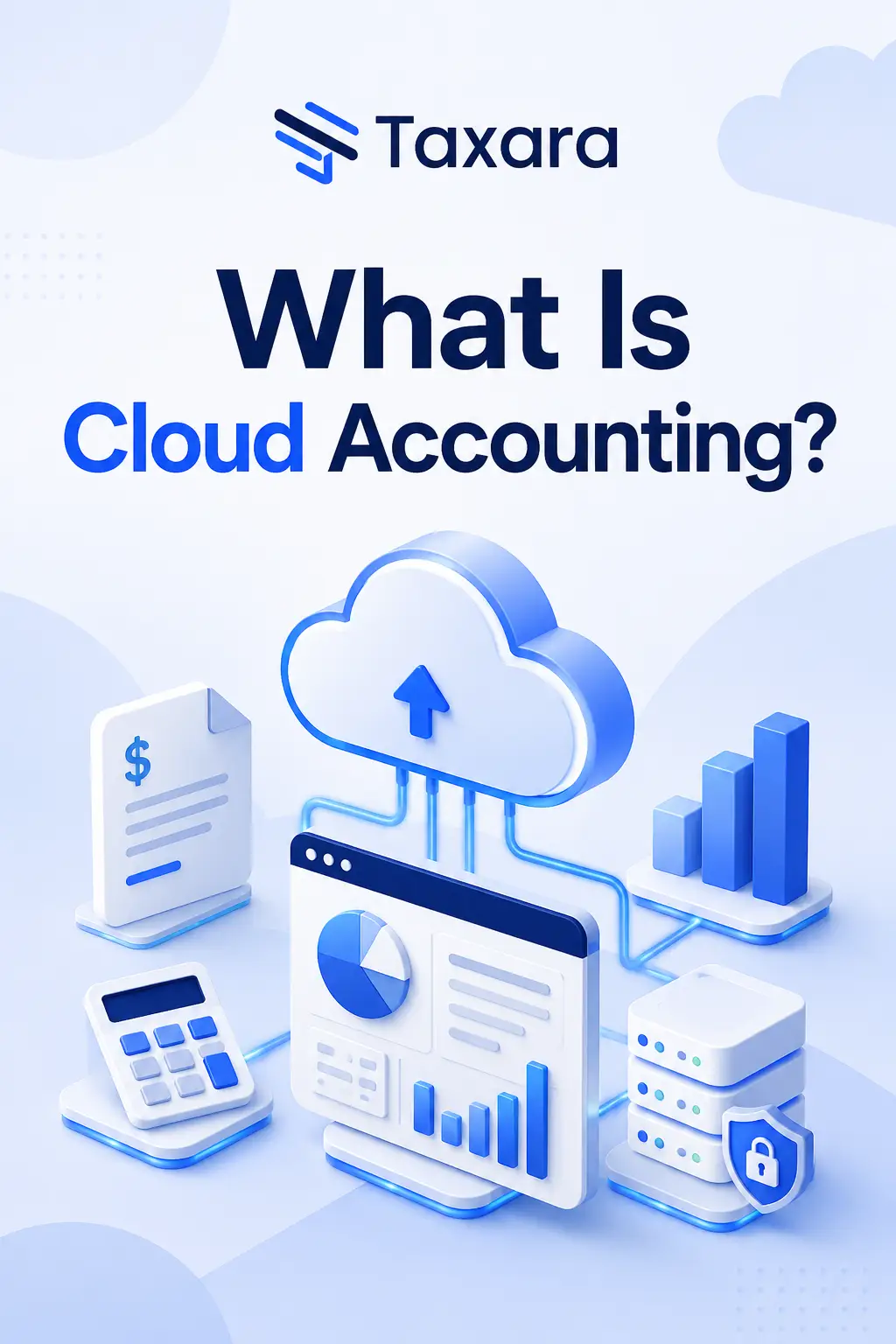
Cloud accounting means your financial software runs on the internet instead of sitting on your computer. You log in through a browser or an app, and your numbers are there, whether you're at home, on a job, or waiting for a client to turn up.
For a UK sole trader, this is a big shift from the old way of doing things. No more spreadsheets that only live on one laptop. No more digging through a shoebox of receipts in January. This guide explains what cloud accounting actually means, why it matters more than ever with Making Tax Digital on the way, and how it works day to day.
What Is Cloud Accounting?
Cloud accounting is software that stores and processes your financial data on a remote server, not on your own device. You access it over the internet, and the company that built it handles the storage, security, and updates on their end.
Think of it like the difference between Netflix and a DVD. With Netflix, you just need a device and a connection, and the film is there. With a DVD, you need the disc itself, a player to run it, and you're responsible for looking after both. If the disc scratches or the player breaks, you're stuck. Cloud accounting works the same way as Netflix. You don't install anything or manage a hard drive. You just log in and your data is there.
Traditional accounting software, by contrast, is installed on one computer. If that computer breaks, your data might go with it, unless you've been careful about backing it up yourself.
Once you're keeping records this way, the next question most sole traders have is which of their day to day costs actually count as proper business expenses. Our guide on sole trader allowable expenses covers that in full, and it's worth reading before you set your categories up.
Cloud Accounting vs Spreadsheets and Old Software
If you're currently using a spreadsheet or desktop software, here's the practical difference.
Spreadsheets and Desktop SoftwareCloud AccountingLives on one deviceWorks on any device with internetManual data entryBank transactions import automaticallyNo automatic backupBacked up continuouslyFormulas break if you make a mistakeBuilt for accounting, fewer errorsHard to share with an accountantShareable login for your accountant
Spreadsheets aren't a bad starting point when you're new to self employment. Plenty of sole traders start there because it feels familiar and it's free. But mistakes creep in fast. One wrong formula, one row deleted by accident, and your numbers are off without you noticing until months later. There's also no warning when something goes wrong, so the first sign of trouble is often a total that simply doesn't add up when you go looking for it.
If you're still working through the basics of getting set up properly, our self employed checklist covers registration, records, and deadlines in one place, so nothing gets missed while you're switching your systems over.
Why This Matters for Making Tax Digital
From April 2026, Making Tax Digital for Income Tax means many sole traders have to keep digital records and send quarterly updates to HMRC, rather than one big Self Assessment at the end of the year.
If you're still using a spreadsheet or paper records, this is a real change to how you work. HMRC will expect digital records kept in what's called MTD-compatible software. A plain spreadsheet on its own generally won't meet that requirement unless it's linked to separate bridging software, which adds another step rather than removing one. Software that's already built for this from the start avoids that extra layer entirely, which is one of the clearer arguments for switching sooner rather than later.
Cloud accounting solves this by design. Your records are already digital, already organised, and usually already built to send updates straight to HMRC without extra steps on your part. Switching now, rather than in a rush next spring, gives you time to get used to the new routine before it becomes mandatory, and to fix any gaps in your record keeping while there's no deadline pressure attached.
If you're newer to self employment and still working out your tax setup, it's worth double checking the basics first. We've covered whether sole traders pay corporation tax in a separate guide, since it's one of the most common points of confusion when people are getting started.
Is Cloud Accounting Only for Limited Companies?
No. This is a common assumption, but it doesn't hold up once you look at how these tools are actually built. Cloud accounting was designed with sole traders in mind just as much as limited companies, and in many cases the tools are simpler because there's less to track. Most providers price their sole trader plans lower too, since you're not paying for payroll or multi-user features you'll never open.
A limited company has to handle payroll, dividends, and corporation tax on top of everything a sole trader deals with. A sole trader's cloud accounting setup is usually leaner, income in, expenses out, and a running total for Self Assessment. There's no payroll to configure and no dividend calculations to worry about, so the software itself tends to feel less crowded with menus and options you'll never touch. If you're still weighing up which structure suits you, our comparison of sole trader vs limited company covers the tax differences in detail, including where cloud software fits into each option.
Whichever structure you choose, the record keeping habit is the same one. Cloud accounting just makes it far less painful to stick to, and switching software later if you do change structure is usually a case of adding a few new categories rather than starting again from scratch.
What to Look for in Cloud Accounting Software
Not every tool does the same job well, and the features that matter most depend on how you work. Before you commit to any provider, it helps to know what you're actually comparing, since two tools that look similar on the surface can feel very different once you're using them every day for real invoices and real receipts. A few things worth checking before you commit to one:
- Bank feed support for your actual bank, not just the big four
- Receipt scanning, so you can photograph a receipt rather than typing it in
- Mileage tracking, if you drive between jobs or client visits
- MTD compatibility, confirmed rather than assumed
- A mobile app that actually works well, not just a shrunk-down website
If you want a fuller comparison of tools built specifically for this, our roundup of the best tax automation software for sole traders goes through the options in more detail. Try a free trial before paying for anything, since a tool that looks good on a features page can still feel clunky once you're using it daily.
Key Benefits for a UK Sole Trader
You can check your numbers from anywhere. No laptop required, even on a train you can see what you owe and what you've spent.
Your bank feeds in automatically, so you're not typing every purchase in by hand.
You get a live view of your finances, instead of finding out how your month went weeks later.
Backups happen without you thinking about it. A broken phone or laptop no longer means lost records.
Sharing with an accountant is simple. Give them their own login instead of emailing spreadsheets back and forth.
None of this replaces good habits, but it removes the admin around keeping them.
Do I Still Need an Accountant?
Cloud accounting handles the day to day tracking, but it doesn't replace an accountant's judgement on trickier tax decisions, especially if your income varies a lot or you're weighing up a change in business structure.
Plenty of sole traders use both together. The software keeps records clean and current, and the accountant reviews things periodically or handles the final Self Assessment submission.
Is Cloud Accounting Secure?
This is the question most sole traders ask before switching, and it's a fair one, since you're trusting a third party with sensitive financial data.
In practice, cloud accounting is usually more secure than keeping records on a personal laptop. Reputable providers use encryption to protect your data both while it's moving and while it's stored, two factor authentication to stop unauthorised logins, and continuous backups so a lost or stolen device doesn't mean lost data too.
A laptop with no password and a spreadsheet saved to the desktop is, in most cases, the less secure option of the two. If that device is lost or stolen, the spreadsheet goes with it. Cloud data stays exactly where it was, accessible only to you and anyone you've given permission to. It's still worth checking a provider's approach to encryption and backups before you sign up, rather than assuming every tool handles this the same way.
How Taxara Uses Cloud Accounting
Taxara is built as cloud accounting software from the ground up, made specifically for UK sole traders rather than accounting firms managing dozens of clients at once.
Your expenses get categorised automatically, your records stay digital and ready for Making Tax Digital, and you can check your numbers from your phone whenever you need to, without opening a spreadsheet or hunting for a laptop charger.
You can try Taxara free and see how it handles your own numbers in a few minutes.
Sources
For official guidance on the Making Tax Digital rollout and which sole traders it applies to, see GOV.UK's page on Making Tax Digital for Income Tax. It's the most reliable place to check current thresholds and start dates, since these details get updated as the rollout continues through 2026 and beyond.
Never stress again
Never be late again
Never waste time
.png)

On time.
In shape.
Taxara keeps your finances in shape and always on time - with just a few simple taps and clicks.
Try for free
Simple.
Affordable.
Taxara comes with a free plan, and the premium one starts from £6.99 - about the same as your daily coffee.
Try for free
Your time.
All yours.
Win back your time and focus on what you love most - let Taxara’s AI take care of the rest.
Try for freeGot questions?

Save time for what matters most - with Taxara
Taxara Ltd. 273/275 Wilmslow Road, Manchester, England
info@taxara.co.uk
support@taxara.co.uk
.png)
.png)
.png)


.png)