Best Tax Automation Software for Sole Traders in the UK

.png)
Composed by Taxara on
6/8/2026

Search "tax automation software for sole traders" and you get a pile of results that all sound the same. Most of them treat automation as one product category. It isn't. There are three distinct types of tax automation software, and each one solves a different problem. A receipt scanner will not calculate what you owe HMRC. A bookkeeping app will not send your figures to your accountant in the format they want. Buy the wrong type and you end up paying for software while still doing half the work by hand.
Here's what each category covers, who it suits, and where its limits are, so you can pick based on your own workflow rather than a star rating.
The three types at a glance
Before you compare individual apps, it helps to know which lane you're shopping in.
TypeWhat It AutomatesBest ForReceipt scannersPhotographing and logging expensesTraders with high receipt volume, low need for full accountingFull bookkeeping appsIncome, expenses, tax calculation, MTD submissionMost sole traders wanting one tool to handle the bulk of the workAccountant-linked softwareSame tracking, built to sync with an accountantTraders who already pay for an accountant and want less admin back and forth
Some products blur the lines a little. But most fall clearly into one of these three, and knowing that before you start comparing features saves a lot of wasted trial signups.
If you're weighing up software against just paying a firm to handle everything, it's worth reading up on the best uk tax app options first. Software has come a long way in the last few years, and for a lot of sole traders it now covers what used to require a bookkeeper.
Receipt scanning and expense apps
Of the three, this one does the least, and honestly, that's kind of the point. It does one job well. You photograph a receipt, the app reads the amount and date, and it logs the expense against a category. Some will flag duplicates. A few will nudge you if a receipt looks like it might not be a valid business expense.
They're a good fit if your main problem is a shoebox (or a phone gallery) full of receipts you keep meaning to sort. If you're VAT registered and need to keep digital records of purchase VAT, a decent scanner earns its keep fast.
Where they fall short: they won't calculate your Income Tax or National Insurance, and on their own they don't meet Making Tax Digital submission requirements. You'll still need somewhere for that data to go. Treat a receipt scanner as the first step, not the whole system.
Full bookkeeping and tax apps
This is the category most sole traders end up in, and for good reason. A proper bookkeeping app tracks income and expenses, works out roughly what you owe as you go, and in most cases connects directly to HMRC for Making Tax Digital reporting.
The appeal is obvious: one login, one dashboard, one place where your whole tax year lives. You're not exporting a spreadsheet from one app and re-entering it into another. If you want to see this kind of setup working in practice rather than just reading about it, you can try Taxara for free and get a feel for how the numbers update as you go.
The trade-off is cost and a short learning curve. Most charge monthly, and the first week of setting up categories and linking your bank account takes a bit of patience. After that, it's mostly maintenance.
Accountant-linked software
On paper, this looks a lot like a full bookkeeping app. The real difference is who it's built to talk to. These tools are designed so your accountant can log in, review, and export your figures without you emailing spreadsheets back and forth every quarter.
If you already have an accountant and your main frustration is repeating the same information every year, this is worth a look. It removes a lot of the "can you send me your Q2 figures again" emails.
It's less useful if you don't use an accountant at all. You'd be paying for a sync feature you'll never touch. And if you're still deciding whether an accountant is even the right call for your setup, our breakdown of sole trader vs limited company covers how that decision changes what kind of support you need.
Comparing by what you need automated
Skip the star ratings for a minute and start from your own problem instead.
Your Main ProblemBest TypeReceipts pile up and expenses are messyReceipt scannerYou don't know your real-time profit or tax owedFull bookkeeping appYour accountant asks for the same information every yearAccountant-linked software
Most sole traders have more than one of these problems at once, which is exactly why full bookkeeping apps tend to be the default recommendation. They cover the widest range of pain points in one subscription.
Making Tax Digital and automation
From April 2026, sole traders above the income threshold need to keep digital records and submit quarterly updates to HMRC rather than one annual return. That changes the calculation on which type of software is worth paying for.
A receipt scanner alone won't meet MTD requirements. It logs expenses, but it doesn't submit anything to HMRC. Full bookkeeping apps and accountant-linked software are generally built with MTD compliance in mind, since quarterly digital submission is now a core part of what they're designed to do. If you haven't checked where you stand on the MTD timeline, it's worth doing that before choosing software rather than after.
Cost vs time saved
Receipt scanners tend to sit at the cheaper end, often free for basic use with paid tiers for higher volume. Full bookkeeping apps are usually a monthly subscription, and accountant-linked software can cost a bit more depending on the features your accountant needs on their end.
The real time saving rarely comes from the software itself doing something magical. It comes from not entering the same figure twice: once in your notes, once in a spreadsheet, once again for your accountant. Every category here removes at least one of those steps. Full bookkeeping apps tend to remove the most.
Quick checklist
Before you commit to a subscription, ask yourself:
- Do I mainly need clean expense records, or do I need to know my tax bill as I go?
- Am I already over the VAT threshold, or close to it?
- Do I pay an accountant, and if so, would syncing save them (and me) time?
- Will I need to submit quarterly under Making Tax Digital?
- Am I comparing apps on price alone, or on what each one automates?
Final thoughts
There's no single "best" tool here, only the right category for your problem. If your receipts are the issue, start there. If you need the full picture of what you owe, a bookkeeping app will save you more time than any scanner. And if you already work with an accountant, syncing software might be the upgrade that finally stops the back and forth.
Taxara covers the full bookkeeping category end to end, built specifically around what UK sole traders need for day-to-day tracking and MTD reporting. If you want to see how it handles your own numbers, take a look at our pricing.
Never stress again
Never be late again
Never waste time
.png)

On time.
In shape.
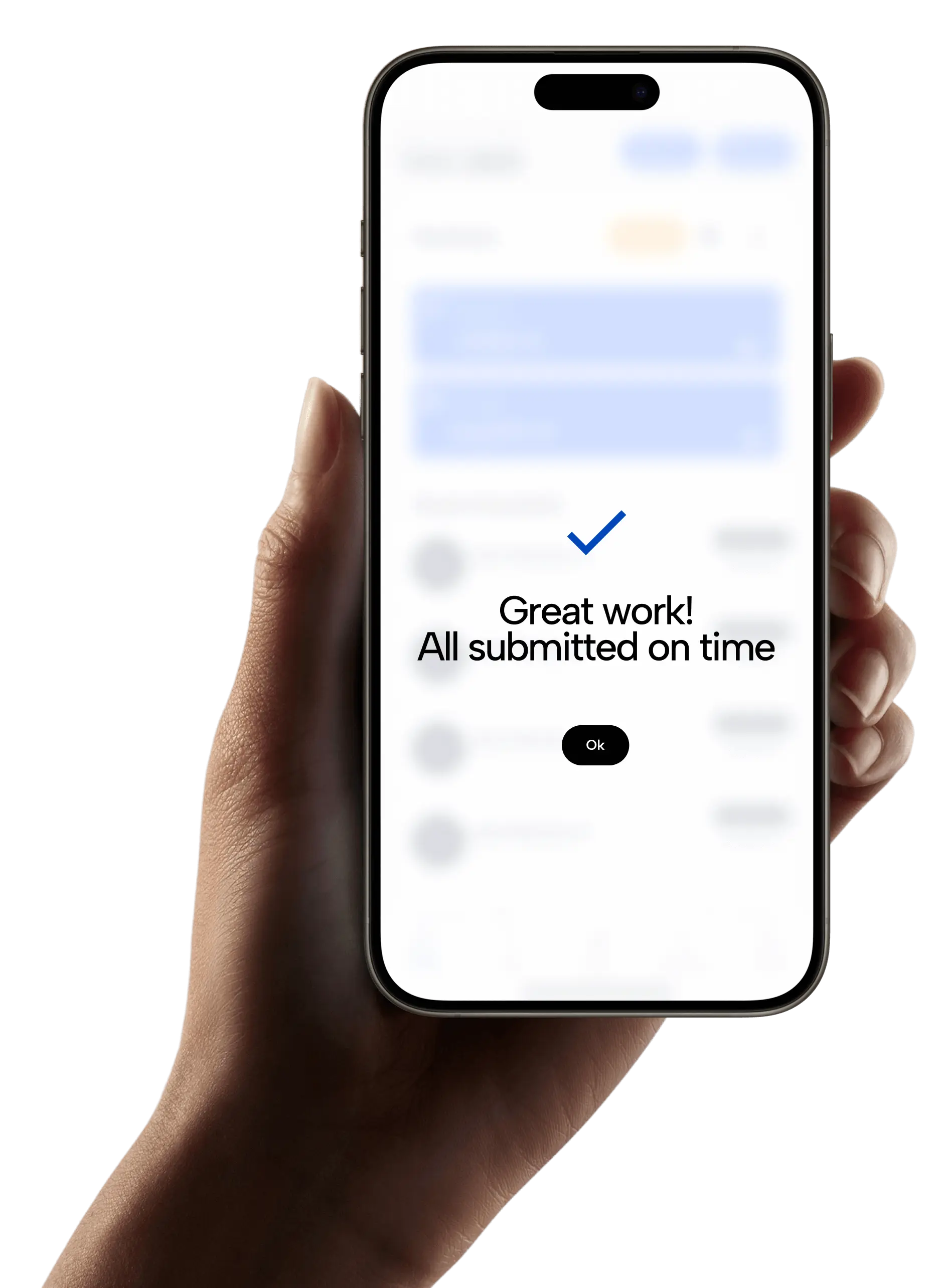
Taxara keeps your finances in shape and always on time - with just a few simple taps and clicks.
Try for free
Simple.
Affordable.
Taxara comes with a free plan, and the premium one starts from £6.99 - about the same as your daily coffee.
Try for free
Your time.
All yours.
Win back your time and focus on what you love most - let Taxara’s AI take care of the rest.
Try for freeGot questions?

Save time for what matters most - with Taxara
Taxara Ltd. 273/275 Wilmslow Road, Manchester, England
info@taxara.co.uk
support@taxara.co.uk
.png)
.png)
.png)